
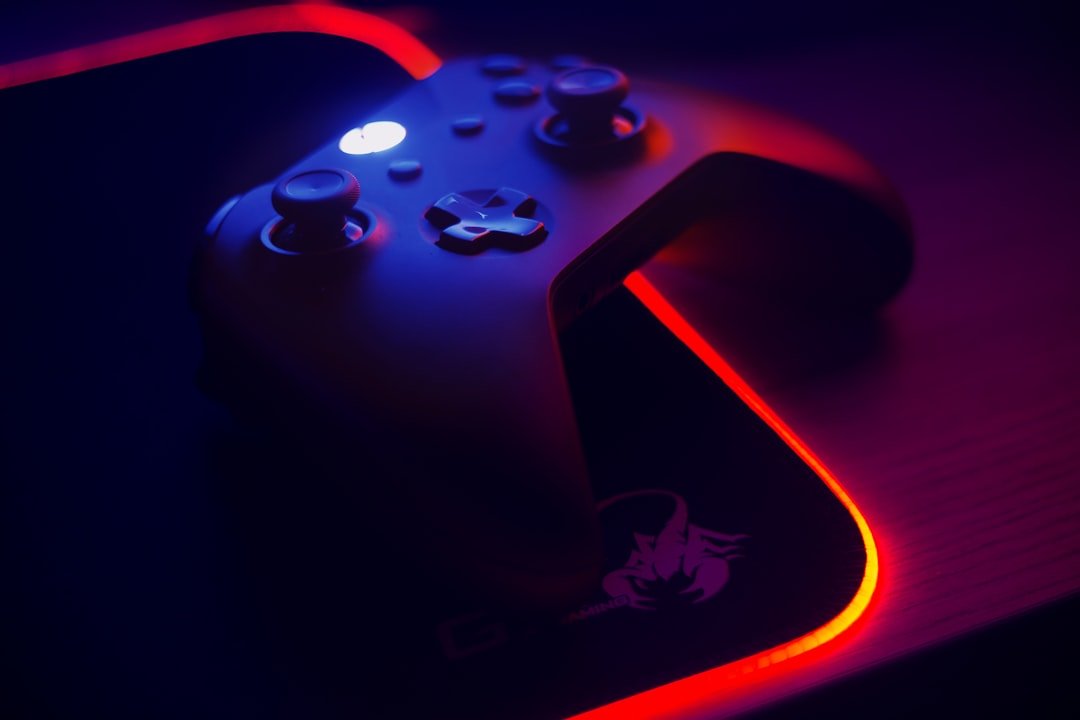
Xbox Cloud Gaming spent years as a blurry, laggy curiosity, mostly useful for showing off that you could technically play a console game on your phone. That changed significantly in early 2026, when Microsoft dropped the “beta” label, upgraded backend infrastructure, and introduced sharper 1440p streaming for supported titles. This review covers whether it is genuinely worth it now, and for whom.
Photo by Jose Gil on Unsplash
What Xbox Cloud Gaming Actually Is
Xbox Cloud Gaming streams console-quality games directly to your phone, tablet, PC, browser, or select smart TVs, without needing to own an Xbox console or a gaming PC. It is bundled into Xbox Game Pass rather than sold as a standalone product, meaning access depends entirely on which Game Pass tier you subscribe to.
What Changed in 2026
The most significant recent upgrade is streaming quality. Microsoft’s backend update brought 1440p resolution and 60 frames per second streaming to supported titles on the Ultimate tier, a meaningful visual jump from the previous 1080p ceiling. Multiple reviewers have described the difference on larger screens as immediately noticeable, not a marginal technical improvement. The cloud-playable library now sits above 300 titles, including major names like Starfield, Forza Horizon 5, the full Halo catalogue, Cyberpunk 2077, and every Call of Duty currently available on the service.
Pricing Tiers
| Tier | Cloud Gaming Access | Notes |
|---|---|---|
| Essential | Basic cloud streaming | Entry-level tier, standard resolution |
| Premium | Cloud access with shorter queue times | Mid-tier option |
| Ultimate | Full 1440p/60fps streaming, day-one first-party releases | Required for the highest streaming quality |
Game Pass Ultimate pricing has been volatile over the past year, including a steep price increase in late 2025 followed by a price reduction in April 2026, so it is worth checking Microsoft’s current official pricing directly before subscribing, since third-party figures can go stale quickly given how often this has changed.
Who Genuinely Benefits
- Casual to mid-core gamers who mostly play single-player, open-world, racing, or casual multiplayer titles, where the roughly 40-millisecond input latency is largely invisible during normal play
- Anyone without an Xbox console or gaming PC who wants access to a large game library without a $500+ hardware purchase, particularly appealing when paired with an inexpensive streaming stick and controller setup costing well under $100 total
- Multi-device households who want to play the same subscription library across phones, tablets, laptops, and smart TVs without separate purchases per platform
Who Should Think Twice
- Competitive multiplayer and ranked shooter players, where even modest additional input latency genuinely affects performance in a way casual play does not experience
- Anyone without a stable, low-latency internet connection, since connection quality is the single biggest factor in whether the experience feels smooth or frustrating
- Players who prioritise owning their games outright rather than accessing a rotating subscription library, since titles are periodically added and removed from the cloud catalogue
Practical Tips for Reducing Latency
If you do play more latency-sensitive genres on Xbox Cloud Gaming, a few practical adjustments help: using a wired Ethernet connection where possible rather than Wi-Fi, connecting to 5GHz Wi-Fi at minimum if wired isn’t an option, avoiding play during peak network congestion hours if you notice lag, and closing background downloads or streaming that compete for bandwidth on the same connection.
Xbox Cloud Gaming vs Other Cloud Gaming Services
Xbox Cloud Gaming’s main competitive advantage is combining a very large, rotating library with broad device support, phones, tablets, PCs, browsers, and select smart TVs, all through one subscription. Alternatives like GeForce Now take a different approach, focused on streaming games you already own on platforms like Steam rather than bundling a library, and are generally regarded as offering stronger raw streaming performance for those who already have an existing game collection. Which is “better” depends on whether you want a large included library or the strongest possible streaming quality for games you already own.
If you’re weighing cloud gaming against owning dedicated hardware, our PS5 Pro upgrade guide covers the console side of that decision.
If raw streaming quality matters more to you than an included library, our GeForce Now review covers NVIDIA’s alternative approach to cloud gaming.
Frequently Asked Questions
Do I need an Xbox console to use Xbox Cloud Gaming?
No, that is the entire point of the service. You can play from a phone, tablet, PC, browser, or supported smart TV without ever owning Xbox hardware.
Is Xbox Cloud Gaming good for competitive gaming?
Generally not recommended for ranked or highly competitive titles, where the additional input latency compared with local hardware can meaningfully affect performance.
What internet speed do I need for a good experience?
A stable, low-latency connection matters more than raw download speed alone; a wired connection or strong 5GHz Wi-Fi generally provides the most consistent experience.
Can I play day-one new releases through Xbox Cloud Gaming?
Yes, on the Ultimate tier, major first-party Microsoft releases are typically available for cloud streaming on their console launch day.
Conclusion
Xbox Cloud Gaming has genuinely improved since exiting beta in early 2026, with sharper streaming quality and a library deep enough to satisfy most casual and mid-core gamers without ever buying console hardware. It remains a poor fit for competitive multiplayer players chasing minimal input latency, and pricing has shifted enough over the past year that checking current official rates before subscribing is worthwhile. For the audience it’s built for, casual players wanting broad device access to a large game library, it is a genuinely strong value proposition in 2026.