
Apple’s Mac lineup has never been stronger, but that also means more decisions to make before buying. This guide cuts through the marketing to help you pick the right MacBook based on what you actually do with a computer, not which model happens to be newest.
Photo by Crystal Collis on Unsplash
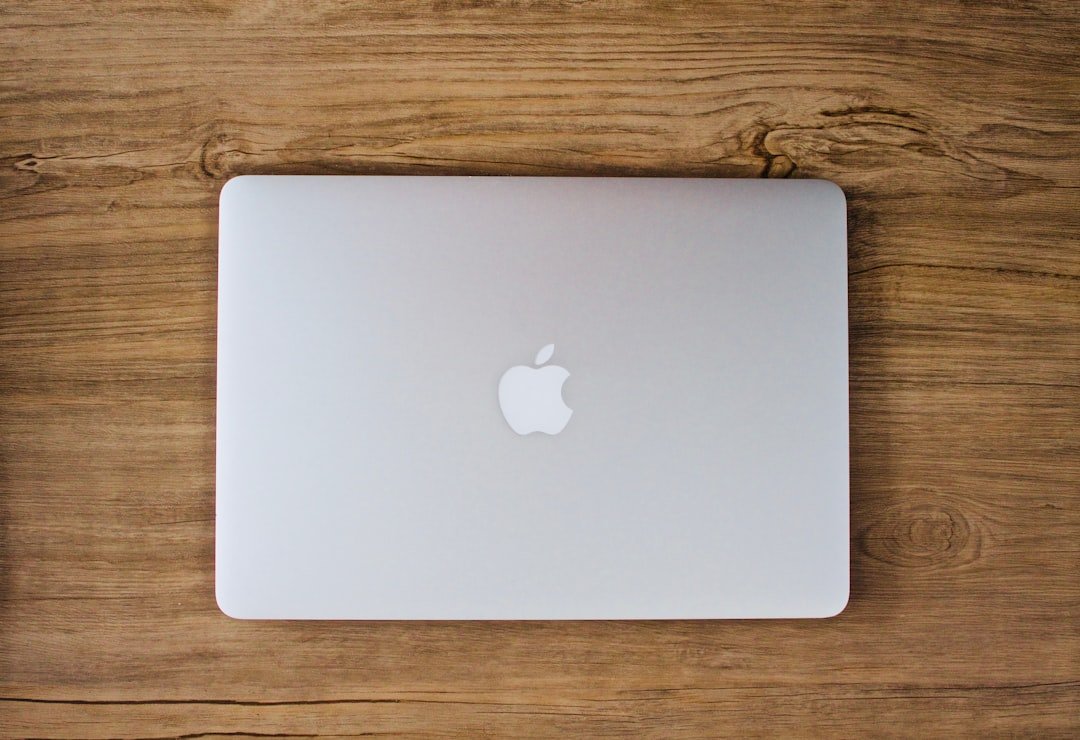
MacBook Air: The Right Choice for Most People
For the vast majority of buyers, the MacBook Air remains the best starting point. It offers an excellent balance of performance, portability, and price in a compact, fanless design that handles everyday computing, web browsing, document work, and even light photo or video editing without breaking a sweat. Battery life across the entire current MacBook range comfortably exceeds a full workday, so longevity concerns are not a major differentiator between models.
If your budget is the primary constraint, a previous-generation MacBook Air, when available at a discount, remains excellent value, since most everyday users will not notice a meaningful real-world difference compared with the newest model.
MacBook Pro: For Demanding, Professional Work
The MacBook Pro exists for people who genuinely push their hardware: video editors, developers compiling large projects, 3D artists, and anyone working with demanding professional software. It delivers meaningfully higher sustained performance than the Air, additional ports including an SD card slot and HDMI on higher-end configurations, and in the 16-inch model, battery life stretching past 21 hours in real-world testing, among the longest of any laptop in its class.
Within the Pro range, the higher-tier chip variants matter most for video editors, AI workloads, and 3D rendering, where the extra GPU cores and memory bandwidth translate into genuinely faster export and render times, not just benchmark numbers.
Comparison Table
| Model | Best For | Key Trade-off |
|---|---|---|
| MacBook Air | Everyday use, students, portability | Fanless design limits sustained heavy workloads |
| MacBook Pro (base chip) | Developers, creators needing more headroom than Air | Higher price, heavier and less compact |
| MacBook Pro (Pro/Max chip) | Video editors, 3D and AI-heavy workflows | Significant price premium, only worth it if you use the extra power |
Three Mistakes to Avoid When Buying a MacBook
Buying More Computer Than You Need
A common and expensive mistake is buying a MacBook Pro when a MacBook Air would comfortably handle everything you actually do. Unless you regularly use demanding professional software or specifically need the Pro’s additional ports and display, the Air is usually enough, and the money saved is substantial.
Under-Buying Storage
Storage cannot be upgraded after purchase on any current MacBook. Running out of space in a couple of years often means replacing the entire computer sooner than expected, so it is worth honestly assessing your storage needs, including growth over the next few years, before finalising your configuration.
Confusing Memory With Storage
Memory (RAM) is your Mac’s short-term working space for currently running tasks, while storage is where your files permanently live. Upgrading one does not compensate for a shortage of the other; a MacBook can have generous storage but still feel sluggish under heavy multitasking if memory is insufficient, and vice versa.
Should You Wait for the Next Model?
Apple typically refreshes its MacBook lineup annually, so there is rarely a moment when a new model is not somewhere on the horizon. If you need a computer now, buying now is the right call rather than waiting indefinitely. The main exception is when a new chip generation or major refresh has been widely reported as imminent within the next few weeks; in that specific case, a short delay can be worth it to avoid buying a model that is replaced almost immediately.
Rounding out your Apple setup? Our AirPods buying guide covers which model pairs best with your new MacBook.
Frequently Asked Questions
Is the MacBook Air powerful enough for video editing?
For light to moderate editing, yes. For serious, sustained 4K or 8K editing work, the MacBook Pro’s better cooling and sustained performance will serve you noticeably better over long editing sessions.
How much storage do I actually need?
For everyday use with cloud storage for large files, 256GB to 512GB is usually sufficient. If you store large local video libraries, work offline frequently, or run demanding creative software, 1TB or more avoids running out of space within a couple of years.
Is it worth upgrading every year?
Generally no. Year-over-year improvements are typically incremental, and most users will not notice a meaningful difference unless upgrading from a MacBook that is several years old.
Does the MacBook Pro’s extra battery life matter for most people?
Since even the MacBook Air comfortably lasts a full workday, the Pro’s longer battery life mainly benefits users on long trips or multi-day use away from a charger, rather than typical daily office use.
Conclusion
For most buyers, the MacBook Air remains the smartest choice, offering excellent everyday performance in a portable, affordable package. Reach for the MacBook Pro only if your actual workload, not aspirational use cases, genuinely demands the extra sustained performance, ports, or display quality. Whichever model you choose, prioritise adequate storage from the outset, since it cannot be upgraded later.